Team and roles
Invite teammates and choose what each of them can manage.
2 sections · 1 screenshot
On this page
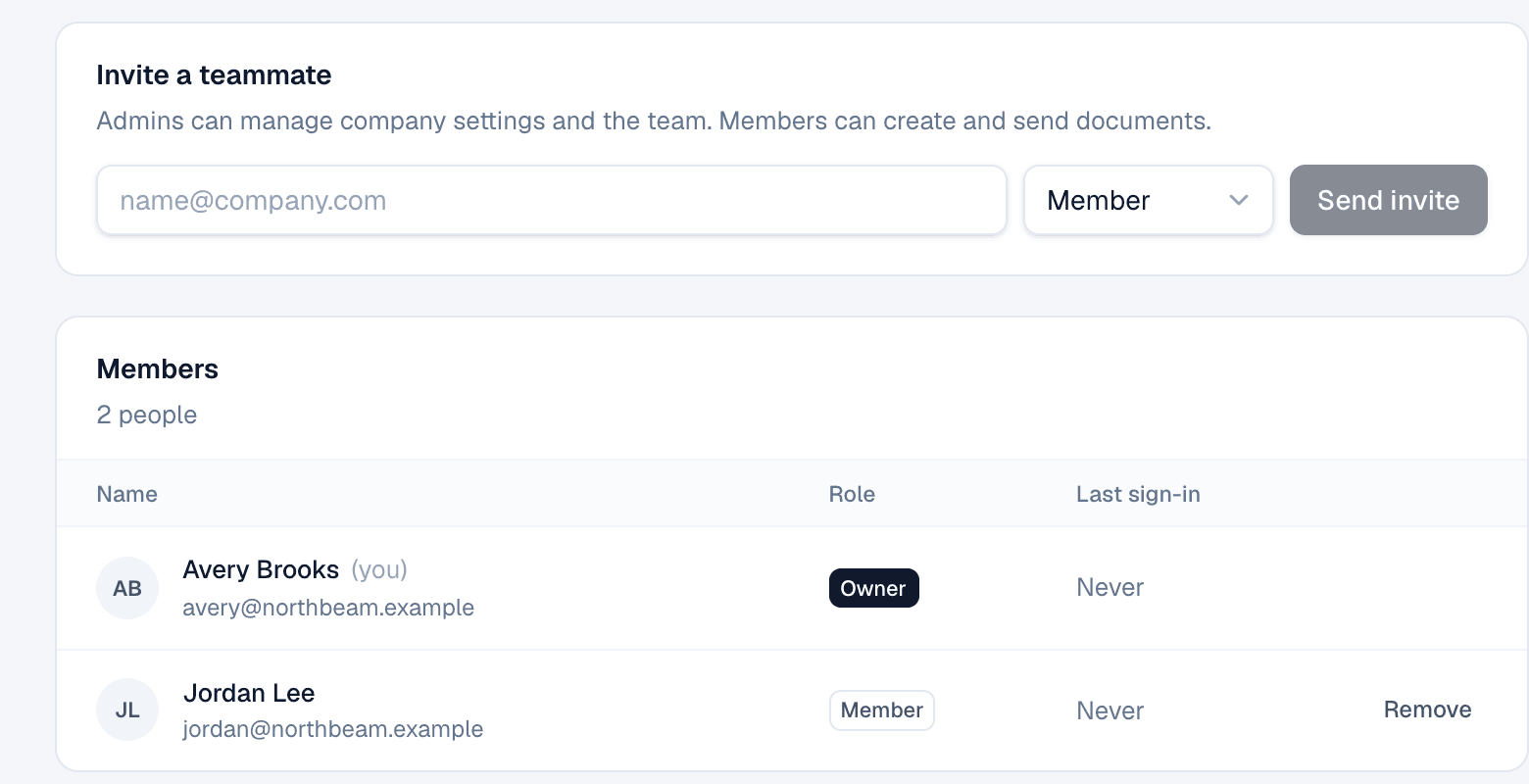
Invite a teammate
- Open Settings → Team.
- Under Invite a teammate, enter their email and pick a role.
- Choose Send invite. They get an email with a link to set their name and password.
Roles
| Role | Can |
|---|---|
| Owner | Everything, including company settings, Salesforce, seats and the team |
| Admin | Manage company settings, the team, seats, Salesforce and automation rules |
| Member | Create, send and manage documents |
To remove someone, choose Remove next to them. Their documents stay with the company.
On the website: Pricing