7 tracks · 24 guides
Tally Sign University
Step-by-step guides with real screenshots. Start with sending and signing, then connect Salesforce and turn signed quotes into orders and contracts.
Start here
- New to Tally SignSend a document and track itSend your first document and follow it to the signed PDF.Read the guide
- Salesforce adminsConnect SalesforceConnect your org, install the package and add the component.Read the guide
- Revenue CloudThe quote-to-cash setup wizardOrder forms from quotes, then orders, assets and contracts.Read the guide
All tracks
- 01
Getting started
Set up your company, build a template, send your first document and see what your customer sees.
- 02
Negotiation
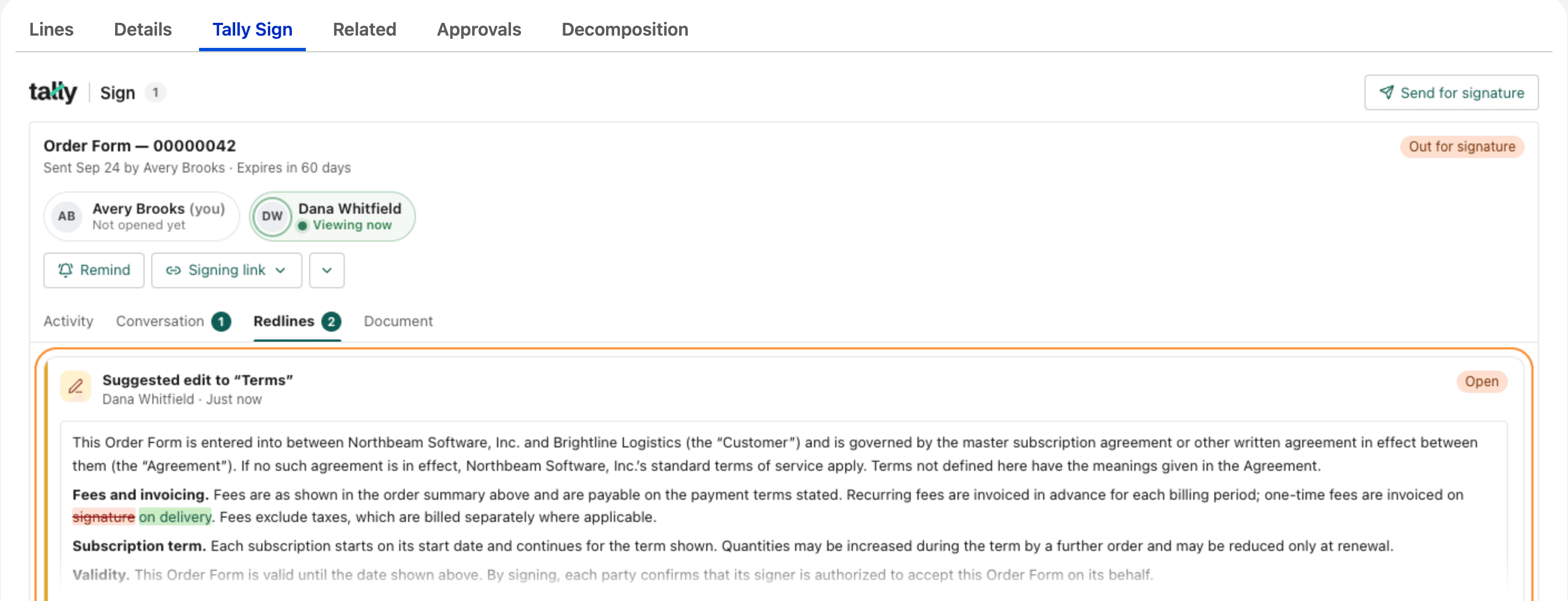
Questions, replies, internal notes, suggested edits and new versions, all on the document.
- 03
Salesforce
Connect your org, fill templates from records, send and negotiate from Salesforce, and report on every envelope.
- 04
Revenue Cloud
Send order forms from Revenue Cloud quotes and turn signed quotes into orders, assets and contracts.
- 05
Automation
Send documents when records change, call Tally Sign from Flows and Agentforce, and post signed deals to Slack.
- 06
- 07
AI
Draft, fill and send documents by asking Claude or ChatGPT, including order forms from Salesforce quotes.